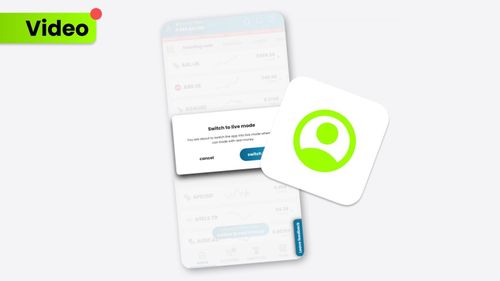
Take the very first step in your trading adventure by opening a market order. Placing a market order is essential for both seasoned and novice traders who want to begin with their experience seamlessly and safely to stay in the trading game. You can pick one of the multiple options to place a market order. Choose from crypto, forex, indices, commodities, and equities, and start investing with the SimpleFX platform.

บทความที่เกี่ยวข้อง
How to Clear Your Browser’s Cache (Chrome, Firefox, Safari)
We’ve updated our SimpleFX WebTrader. To use the new fixed version of the app yo...
โดย SIMPLEFX - เมษายน 23, 2026
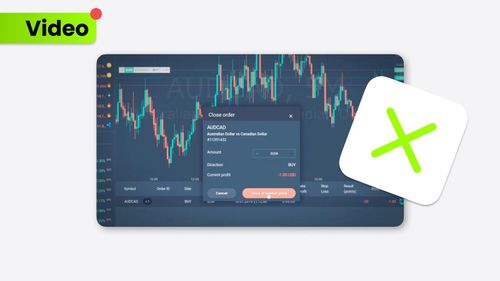
จะปิดคำสั่งซื้อได้อย่างไร?
Learn more about closing orders on the SimpleFX mobile app. It’s up to you wheth...
โดย SIMPLEFX - ตุลาคม 17, 2023
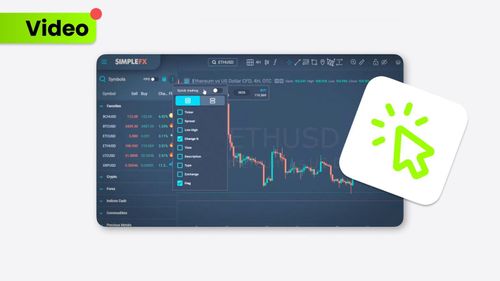
วิธีใช้การซื้อขายด้วยคลิกเดียว?
Trade even faster with the Quick Trading feature on the SimpleFX platform. Our g...
โดย SIMPLEFX - ตุลาคม 17, 2023
อธิบายเข้าก่อนออกก่อน (FIFO)
FIFO makes the trading experience even smoother. Discover how to pick the First ...
โดย SIMPLEFX - ตุลาคม 17, 2023
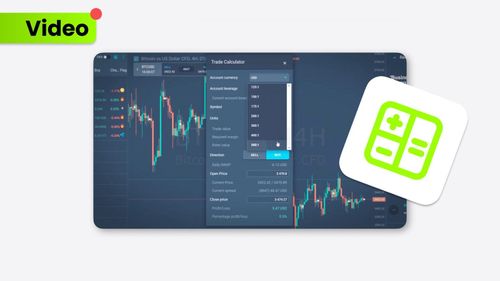
วิธีใช้เครื่องคำนวณการเทรด?
The Trade Calculator provides a complex view of your trading experience. This us...
โดย SIMPLEFX - ตุลาคม 17, 2023
จะหาศูนย์ช่วยเหลือได้ที่ไหน?
If you ever need assistance or have questions while using the SimpleFX App, the ...
โดย SIMPLEFX - ตุลาคม 5, 2023
จะแก้ไขการซื้อขายที่เปิดและรอดำเนินการได้อย่างไร?
Modifying your trades on the SimpleFX App is a breeze. Follow these steps to mak...
โดย SIMPLEFX - ตุลาคม 5, 2023
จะปิดการซื้อขายของคุณได้อย่างไร?
Closing a trade on the SimpleFX App is as easy as pie. Follow these steps to gra...
โดย SIMPLEFX - ตุลาคม 5, 2023
วิธีการเปิดการค้า?
Trading on the SimpleFX App is straightforward and user-friendly. Follow these s...
โดย SIMPLEFX - ตุลาคม 5, 2023
จะเปลี่ยนไปใช้บัญชีจริงจากบัญชีทดลองได้อย่างไร?
Switching from a Demo Account to a Live Account on the SimpleFX App is a breeze!...
โดย SIMPLEFX - ตุลาคม 5, 2023
×
ทิมิ AI