Switching from a Demo Account to a Live Account on the SimpleFX App is a breeze! Follow these simple steps to make the transition seamlessly:

Articles connexes
How to Clear Your Browser’s Cache (Chrome, Firefox, Safari)
We’ve updated our SimpleFX WebTrader. To use the new fixed version of the app yo...
par SIMPLEFX - avril 23, 2026
Comment trader ?
Take the very first step in your trading adventure by opening a market order. Pl...
par SIMPLEFX - octobre 17, 2023
Comment clôturer une commande ?
Learn more about closing orders on the SimpleFX mobile app. It’s up to you wheth...
par SIMPLEFX - octobre 17, 2023
Comment utiliser le trading en un clic ?
Trade even faster with the Quick Trading feature on the SimpleFX platform. Our g...
par SIMPLEFX - octobre 17, 2023
Premier entré, premier sorti (FIFO)
FIFO makes the trading experience even smoother. Discover how to pick the First ...
par SIMPLEFX - octobre 17, 2023
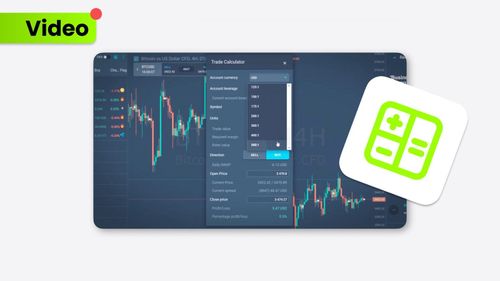
Comment utiliser le calculateur de trading ?
The Trade Calculator provides a complex view of your trading experience. This us...
par SIMPLEFX - octobre 17, 2023
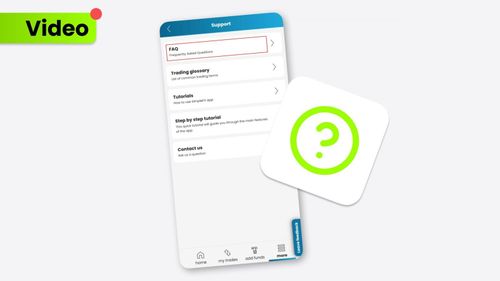
Où trouver un centre d'aide ?
If you ever need assistance or have questions while using the SimpleFX App, the ...
par SIMPLEFX - octobre 5, 2023
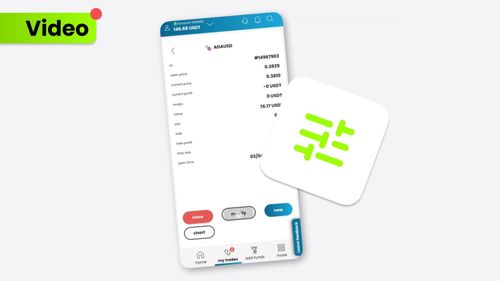
Comment modifier vos transactions ouvertes et en attente ?
Modifying your trades on the SimpleFX App is a breeze. Follow these steps to mak...
par SIMPLEFX - octobre 5, 2023
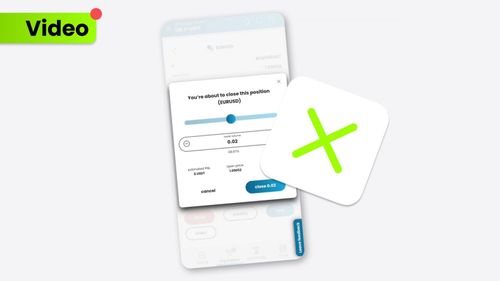
Comment clôturer votre transaction ?
Closing a trade on the SimpleFX App is as easy as pie. Follow these steps to gra...
par SIMPLEFX - octobre 5, 2023
Comment ouvrir le commerce ?
Trading on the SimpleFX App is straightforward and user-friendly. Follow these s...
par SIMPLEFX - octobre 5, 2023
×
TiMi IA