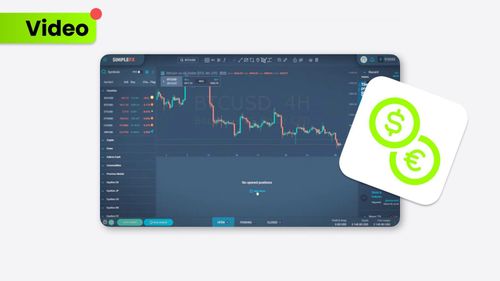
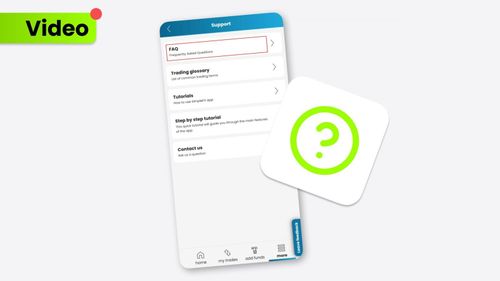
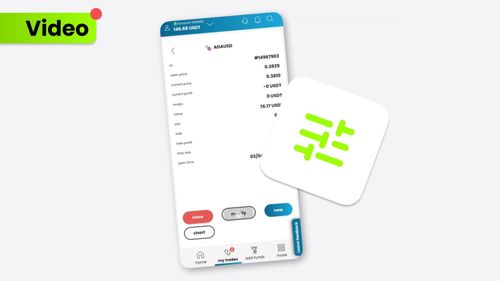
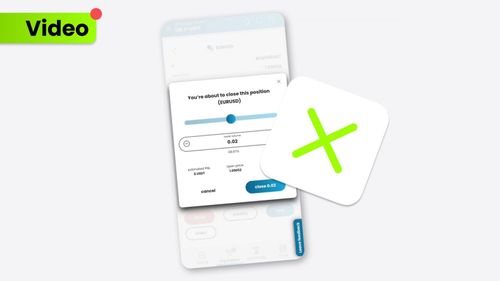
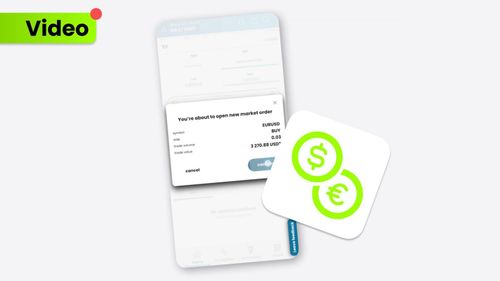
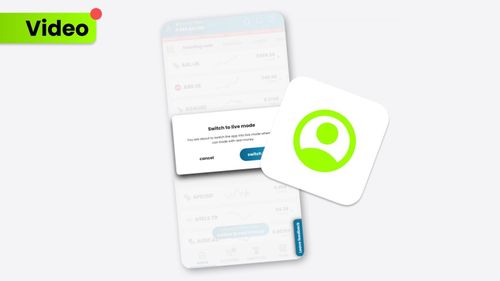
Learn more about closing orders on the SimpleFX mobile app. It’s up to you whether you want to adjust the amount or close the whole position in this particular asset. The SimpleFX Webtrader interface shows all of your open positions in the chart, which gives you a comprehensive perspective of your traders regarding the asset.

Artículos relacionados
How to Clear Your Browser’s Cache (Chrome, Firefox, Safari)
We’ve updated our SimpleFX WebTrader. To use the new fixed version of the app yo...
por SIMPLEFX - abril 23, 2026
¿Cómo negociar?
Take the very first step in your trading adventure by opening a market order. Pl...
por SIMPLEFX - octubre 17, 2023
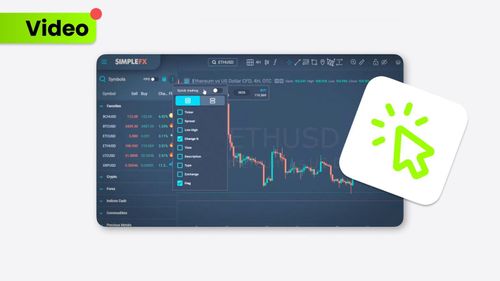
¿Cómo utilizar el comercio con un clic?
Trade even faster with the Quick Trading feature on the SimpleFX platform. Our g...
por SIMPLEFX - octubre 17, 2023
Primero en entrar, primero en salir (FIFO)
FIFO makes the trading experience even smoother. Discover how to pick the First ...
por SIMPLEFX - octubre 17, 2023
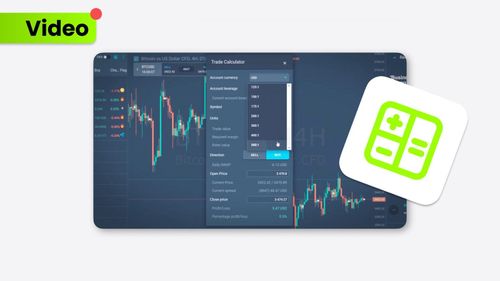
¿Cómo utilizar la calculadora comercial?
The Trade Calculator provides a complex view of your trading experience. This us...
por SIMPLEFX - octubre 17, 2023
¿Dónde encontrar un centro de ayuda?
If you ever need assistance or have questions while using the SimpleFX App, the ...
por SIMPLEFX - octubre 5, 2023
¿Cómo modificar sus operaciones abiertas y pendientes?
Modifying your trades on the SimpleFX App is a breeze. Follow these steps to mak...
por SIMPLEFX - octubre 5, 2023
¿Cómo cerrar tu operación?
Closing a trade on the SimpleFX App is as easy as pie. Follow these steps to gra...
por SIMPLEFX - octubre 5, 2023
¿Cómo abrir el comercio?
Trading on the SimpleFX App is straightforward and user-friendly. Follow these s...
por SIMPLEFX - octubre 5, 2023
¿Cómo cambiar a una cuenta real desde una cuenta demo?
Switching from a Demo Account to a Live Account on the SimpleFX App is a breeze!...
por SIMPLEFX - octubre 5, 2023
×
TiMi AI