


SimpleFX is growing faster than ever before. We have passed 200,000 traders globally. Our goal for 2019 is to become the leading mobile trading platform.
That’s why we’ve launched a new cashback “March Madness” promo (read our press release). Throughout March we cut the spread of each trade by 20% (T&C available here).
Use the “March Madness” offer to activate your affiliates. Encourage them to trade with SimpleFX. Use the promo to attract new affiliates, too.
Here’s a short guide on how to do it effectively.
Key talking points
Remember about the main SimpleFX advantages:
- It’s an exceptional app that’s growing very fast with limited marketing budget (unlike the biggest established brokers)
- SimpleFX is mobile friendly – works perfectly on any device
- It’s perfect for beginners – with no minimum deposits and fully functional demo account
- Offers both crypto and fiat accounts
- Up to 1:500 leverage – no need to deposit much to profit from trades
During the promo:
- you can trade with a 20% lower spread on each transaction
- you will receive up to $500 cashback of the money you saved on the spread
- this is a limited-time offer. Trade now to make most of it.
Using Cashback Promo Media Gallery in Unilink.io
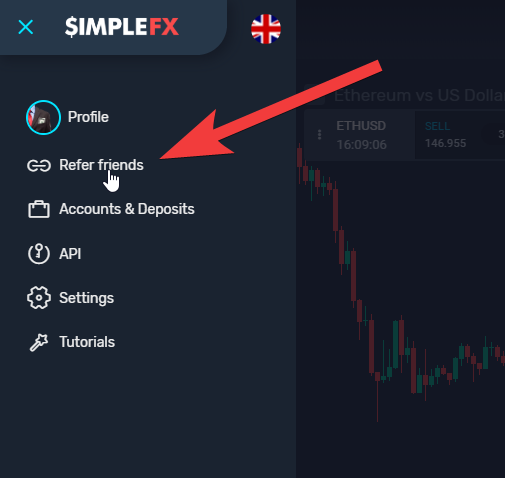
Open Unilink.io dashboard by clicking the hamburger icon ☰ and then on “Refer friends” tab.
In the Unilink.io dashboard choose “Media gallery”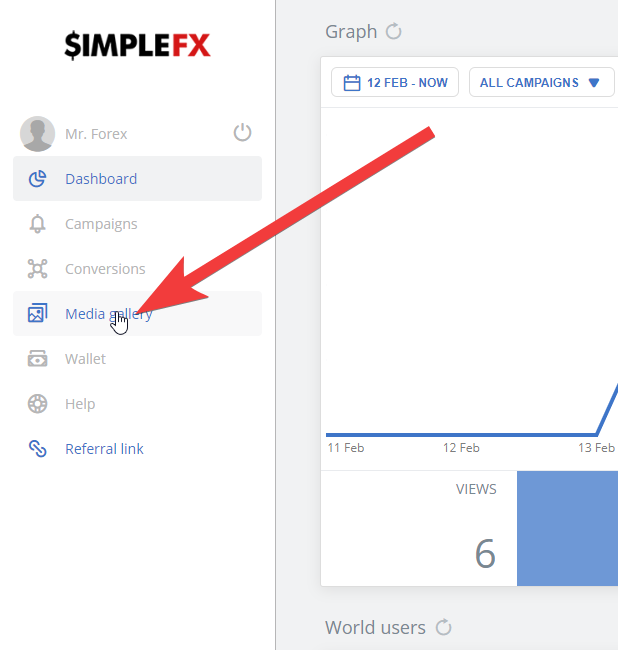
Now click the filter icon and type in “cashback”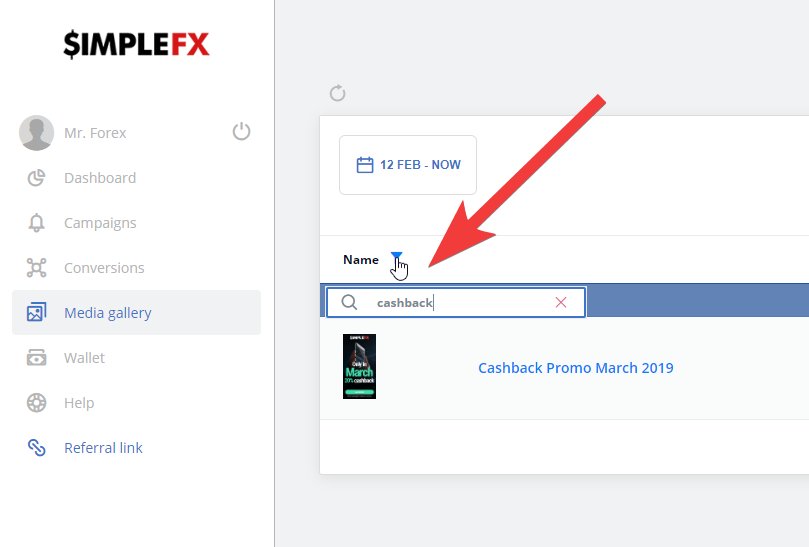
In the Cashback Promotion media gallery, choose: the langugage, the size, and the campaign you’d like to link the banner to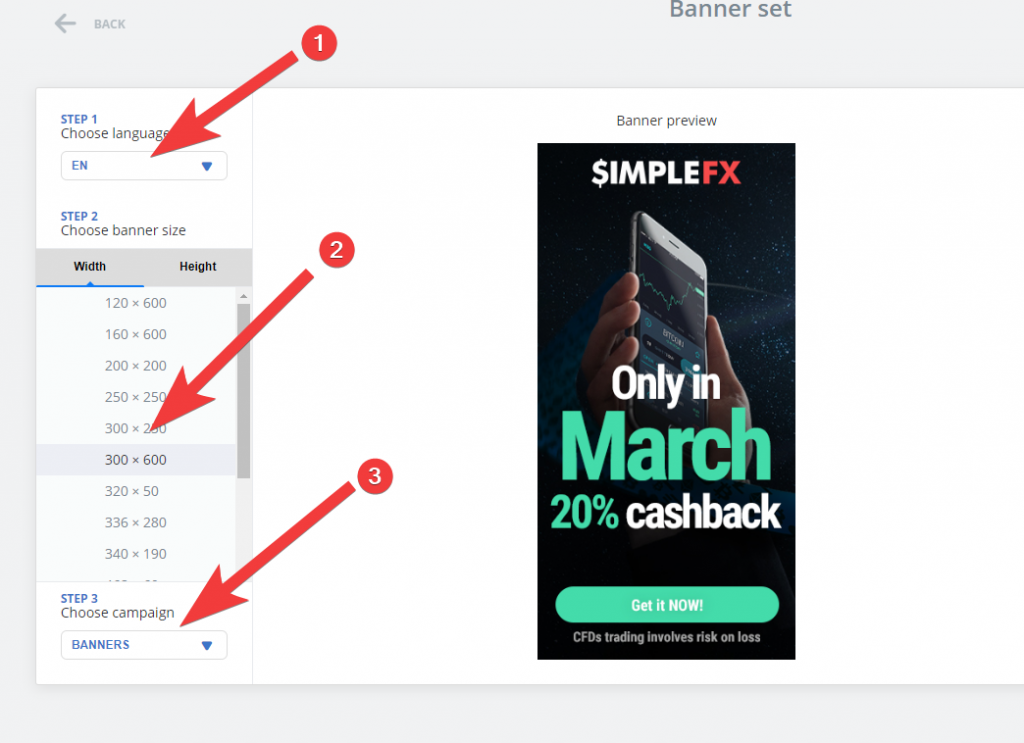
Finally, copy the HTML code and paste it on your website or e-mail.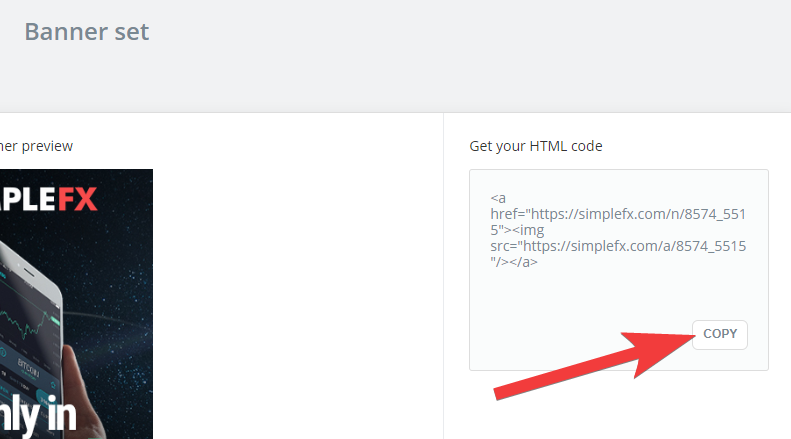
Set up a Cashback Promo Campaign
It’s also a good idea to set up a special campaign dedicated to our limited-time promo. It will be easier for you to manage it once it ends on the 31st of March.
First, click “NEW CAMPAIGN +” in the “Campaigns” menu in Unilink.io.

Type in the name, say “March Madness”, and click “CREATE CAMPAIGN”.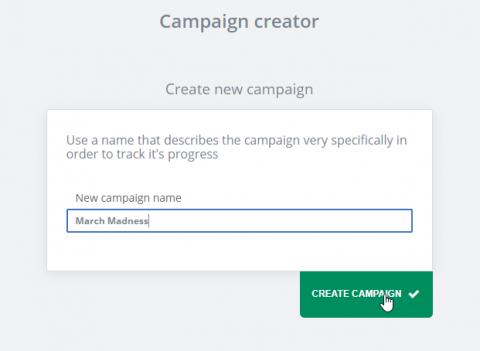
Share the Campaign to drive revenue. You can choose banners (as explained above), widgets (read more here) or links, which are the easiest way.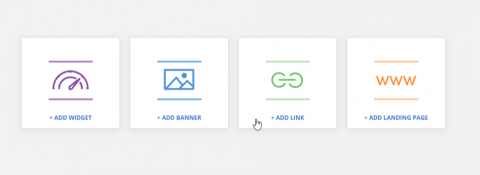
For links, just copy them to the clipboard and insert them on your page, in e-mail campaigns, direct messages to friends or social media posts.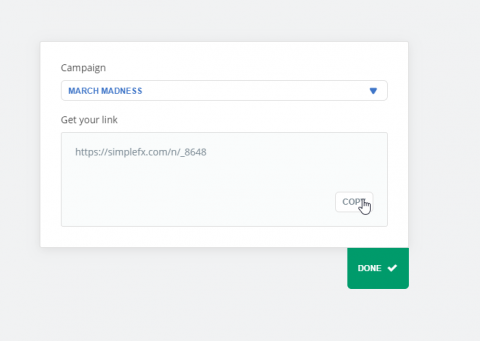
If you have any questions write them in the comments or contact SimpleFX support.
Good luck with building your affiliate empire!
